The challenge
At Bluebird Travel, one operator spent more than four hours per day organizing orders and their special requirements. Split deliveries, gifts and discounts, shipping fees, e-invoice carriers, and business tax IDs all needed to be prepared correctly before shipping could proceed. Each order carried details that the team had to bring together for the next step.
Reported daily time for one operator to organize orders and special requirements before and after AI was introduced.
Our approach
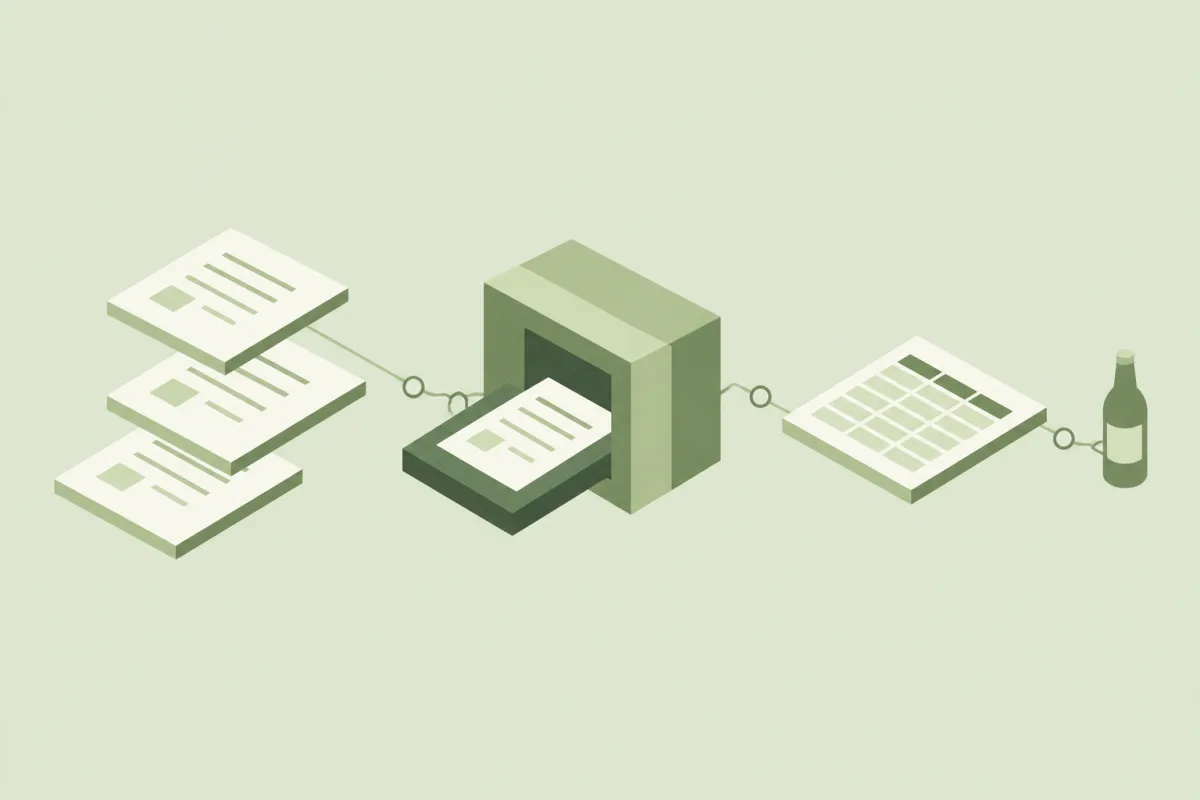
We deployed an order-processing agent that connects Shopline order organization, split deliveries, and ERP exports in one platform. AI handles repetitive field conversions and data preparation. Staff review the prepared results, make edits, and resolve items awaiting confirmation before passing confirmed orders into the existing workflow.
What we delivered
- A Shopline order-processing agent that converts order fields and organizes special requests for staff review.
- A split-delivery workflow with previews, editing, item merging, and checks for address and convenience-store pickup information.
- An ERP export workflow for confirmed orders, with handling notes and decisions available for colleagues to consult.
The details we handled
The rules were refined against real orders: reminders when an e-invoice carrier and business tax ID appear together, merging items after splitting deliveries, and checking addresses and convenience-store pickup information. The resulting order data connects to shipping preparation, while notes and handling decisions remain available for colleagues to consult.
- Splitting an order across addresses and then merging items must preserve the intended quantities, gifts, discounts, and shipping details for each delivery.
- An e-invoice carrier and business tax ID can appear together, while delivery addresses and convenience-store details need different checks. These exceptions must be visible before the order proceeds to shipping preparation.
What changes
With AI, order and special-request preparation takes the operator less than one hour per day, compared with more than four hours per day before. The operator starts with organized information and focuses on the exceptions that affect shipment. As further situations are incorporated into the rules, the workflow carries forward what the team has learned.
How to verify delivery
Acceptance checks for a comparable implementation. Agree on representative inputs and acceptance criteria with your team before verification.
- Process representative Shopline orders containing gifts, discounts, shipping fees, and special requests; compare the prepared fields with the original orders.
- Split deliveries across addresses and merge the applicable items; confirm that quantities, recipients, and pickup details remain consistent with the requests.
- Include an order containing both an e-invoice carrier and a business tax ID; check the reminder, review the handling decision, and compare the confirmed ERP export with the preview and notes.
Every thoughtful implementation starts with understanding the work.